Upload and copy
The link is returned after upload. Duration depends on file size, your connection, and service conditions.
Upload audio and copy a shareable link
Upload MP3, WAV, OGG, AAC, or M4A audio files up to 100MB and copy a direct URL for sharing.
Supports MP3, WAV, OGG, AAC, and M4A up to 100MB
Drop your audio file here, or click to browse
Maximum file size: 100MB
Select or drag your audio file
Click the convert button
Share your audio URL
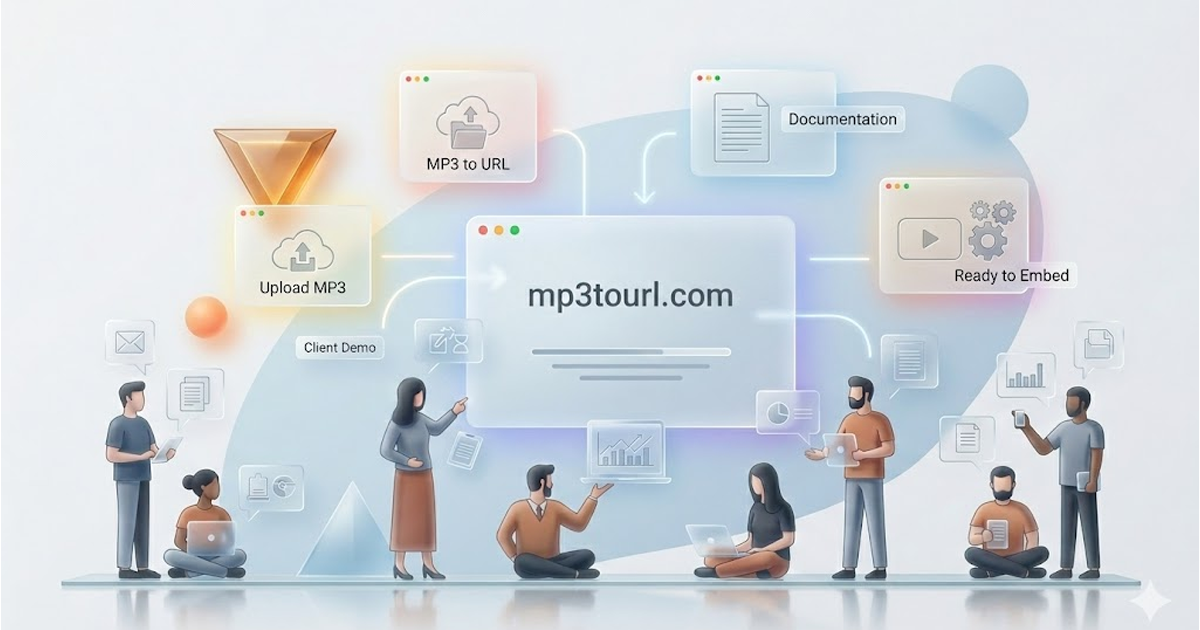
The link is returned after upload. Duration depends on file size, your connection, and service conditions.
Uploads use HTTPS, but the resulting URL is public. Anyone with the link may access the file; do not upload sensitive material.
File availability and retention follow the service policies. Keep your own backup.
Upload MP3, WAV, OGG, AAC, or M4A audio files up to 100MB and copy a direct URL for sharing. File availability and retention follow the service policies. Keep your own backup. Uploads use HTTPS, but the resulting URL is public. Anyone with the link may access the file; do not upload sensitive material.
Multi-Format: MP3, WAV, OGG, AAC, M4A
File availability and retention follow the service policies. Keep your own backup.
The link is returned after upload. Duration depends on file size, your connection, and service conditions.
Uploads use HTTPS, but the resulting URL is public. Anyone with the link may access the file; do not upload sensitive material.
No Registration: Start converting immediately
100MB Limit: Supports large audio files
Share audio with links. Also explore our image to URL, video to URL, and PDF to URL tools.
The link is returned after upload. Duration depends on file size, your connection, and service conditions.
Uploads use HTTPS, but the resulting URL is public. Anyone with the link may access the file; do not upload sensitive material.
File availability and retention follow the service policies. Keep your own backup.
See why teams choose mp3tourl for fast audio link sharing
| Feature | mp3tourl | Cloud Drives | Temporary Hosts |
|---|---|---|---|
| File retention | File availability and retention follow the service policies. Keep your own backup. | Check the service policies | Check the service policies |
| No Registration | ✓ Instant upload | ✗ Account often required | ✗ Account required |
| Audio Focus | ✓ Built for audio sharing | ✗ General storage | ✗ Not audio-focused |
| File Size Limit | 100MB (free) | Varies | Varies |
| Public access | Uploads use HTTPS, but the resulting URL is public. Anyone with the link may access the file; do not upload sensitive material. | Check the service policies | Check the service policies |
| Direct Audio URL | ✓ Always | ⚠ Depends on setup | ✗ Often preview links only |
| Format Support | MP3/WAV/OGG/AAC/M4A | Limited audio support | Broad but workflow-heavy |
| Best For | Podcasts, voice notes, embeds | General file sharing | Personal backups |
Trusted by teams that share audio every day
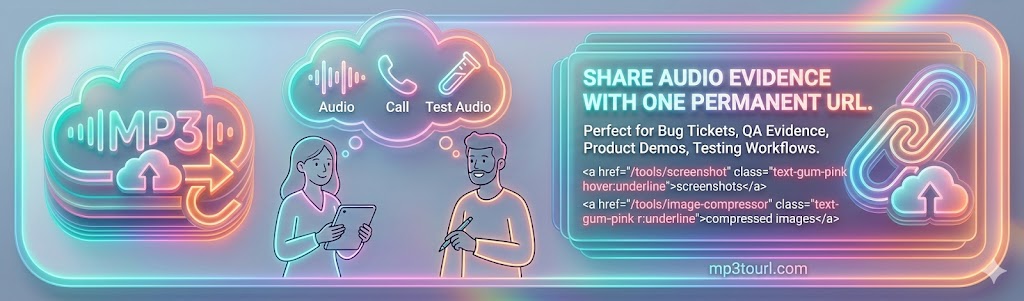
Share bug reproduction voice notes, call recordings, and test audio without setting up extra hosting. Perfect for screenshots and compressed images in tickets.
Example Use Case
Attach a shareable audio URL to your document or conversation.
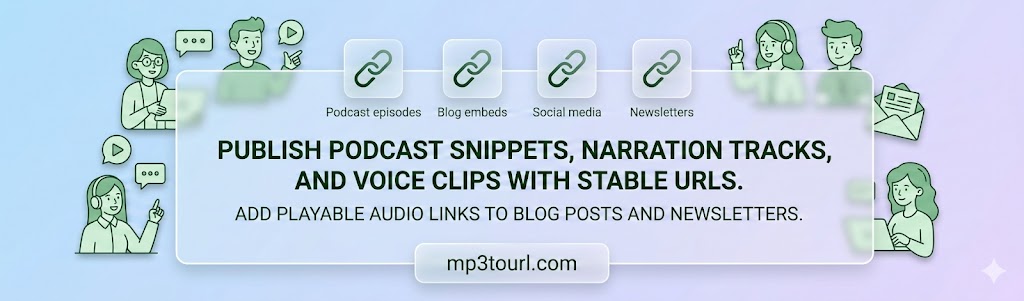
Publish podcast snippets, narration tracks, and voice clips with stable URLs that remain reusable.
Example Use Case
Add playable audio links to blog posts and newsletters
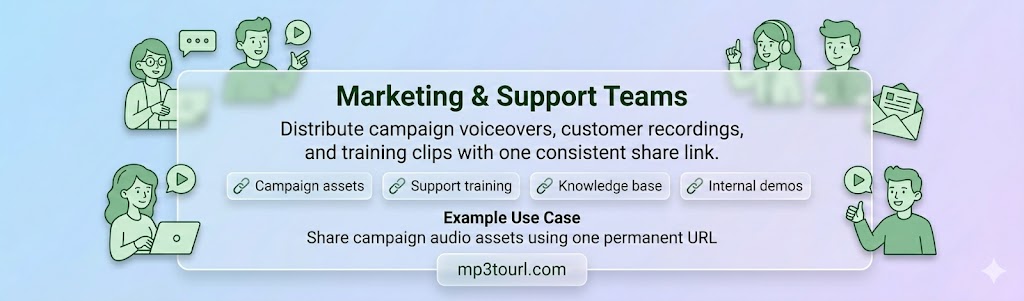
Distribute campaign voiceovers, customer recordings, and training clips with one consistent share link.
Example Use Case
Attach a shareable audio URL to your document or conversation.
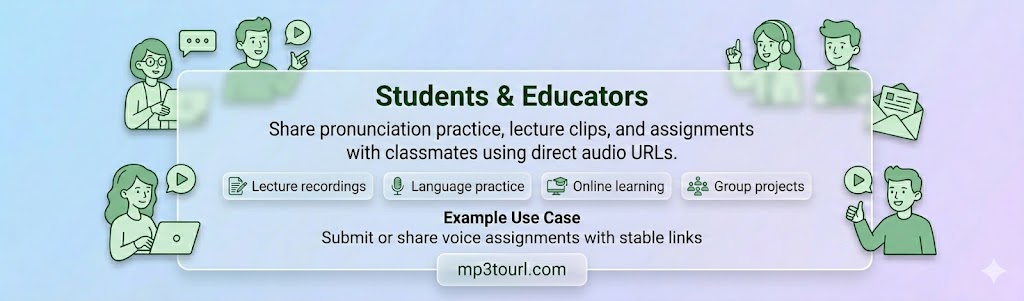
Share pronunciation practice, lecture clips, and assignments with classmates using direct audio URLs.
Example Use Case
Submit or share voice assignments with stable links
An MP3 to URL converter uploads your local audio file and returns a direct web link you can share anywhere. MP3 is a popular audio format that compresses sound while maintaining quality.
Upload your file, wait for processing, then copy the generated URL. You can open or share it immediately.
File availability and retention follow the service policies. Keep your own backup.
You can use it in documentation, tickets, chat tools, websites, email, and team collaboration workflows.
Yes, the standard MP3/audio to URL conversion flow is free to use within current upload limits.
Uploads use HTTPS, but the resulting URL is public. Anyone with the link may access the file; do not upload sensitive material.
File availability and retention follow the service policies. Keep your own backup.
Use the direct URL in an HTML audio player where the browser and audio format support it. Playback behavior depends on the platform.
Upload an audio file and copy its direct URL. Basic use is available without registration within current limits; this flow focuses on sharing files.
mp3tourl helps developers, creators, and teams upload audio and share its direct URL. Explore the media conversion tools for other file types.
Discover advanced storage, automation, and sharing tools for audio-heavy teams.
Convert MP3 to URL